
2026/04/09 tonapparate - the next generation begins
Squarespace data has been successfully extracted and a baseline for content management has been established.
It’s a folder with .md files and a folder with images.
Maybe Dropbox? FTP if we want to be oldschool ‽ (yes interrobang works)
I guess even emailing md files and images would work. Anything goes, like that Cole Porter song, yes i’m going to be making music references and you can choose to ignore it.
If the page is going to be english first let’s keep the log in english, that will make the music references easier.
This log is also a good way to find out if the .md content management system is viable.
Some people would fill it with dummy content but why not let everyone know what’s inside the wurst as we go along.
We keep track of what’s to do and i get to roleplay as tech hunter s thompson reporting from the trenches. it’s going to be run-on sentences and missing full stops
2026/04/10 light as a feather
We will be using svelte for this project because it fits the unikat motif and we can deploy it anywhere, it’s a nice tool.
data can be imported now, products have pages, there is a start page.
I’m going to keep the previous placements from the squarespace demo for the product page but i have an idea for a daring magazine look and if we can pull it off it’s going to be so good.
i’ll use swiper to get the slider from the squarespace demo onto the startpage but i’m not married to it. we can do if you wanna, we can leave sliders behind.
maybe these pictures would be better wth a satisfying focus effect
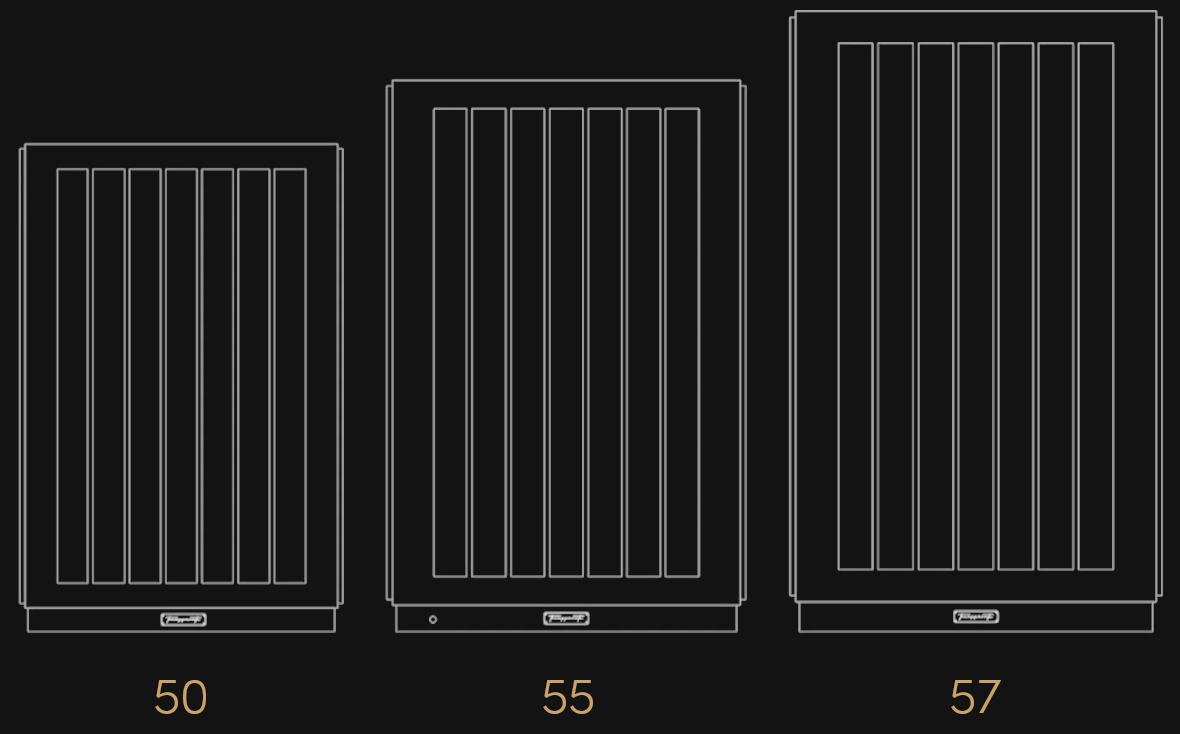
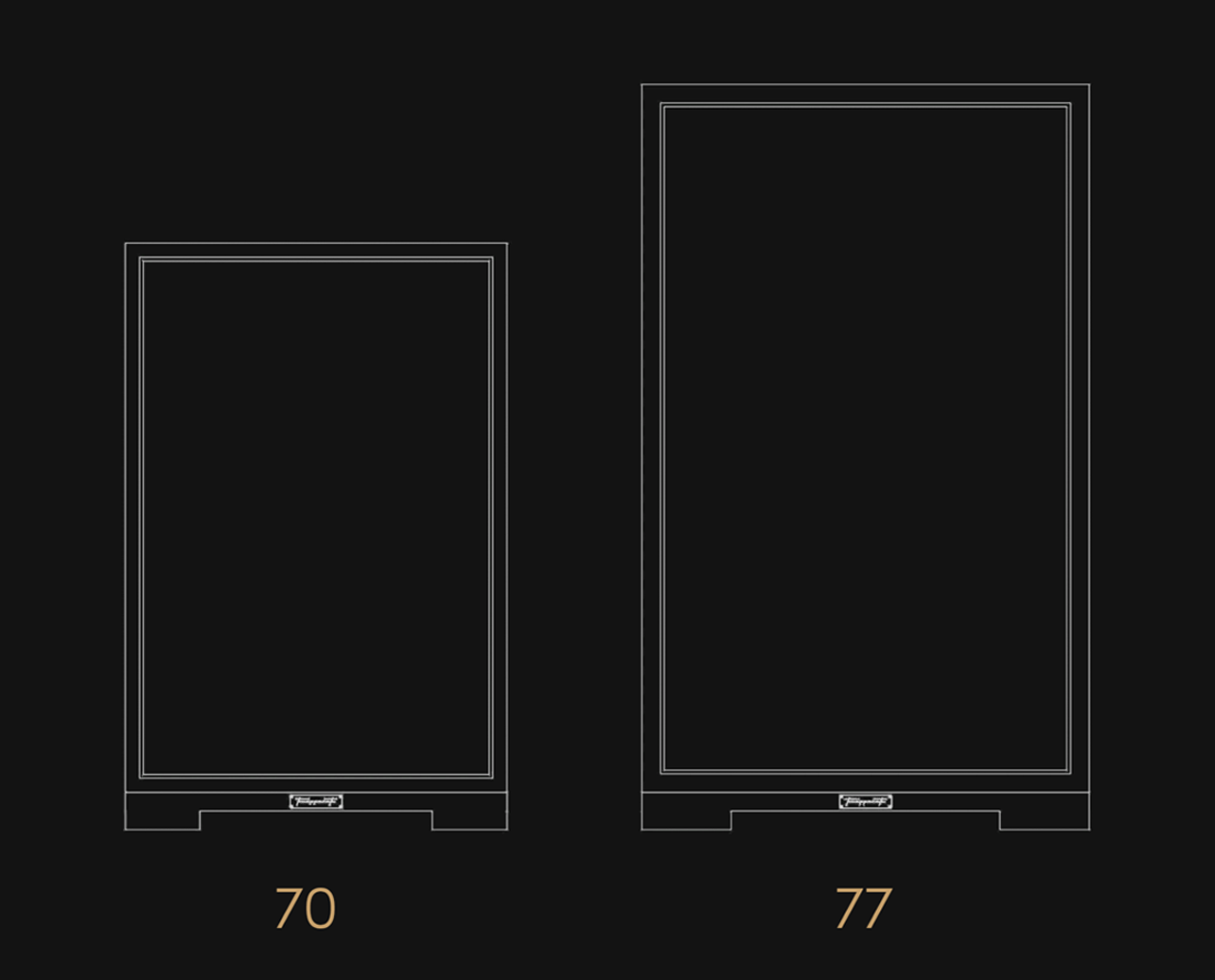
oh, i guess this is how using images inline works
As good as svelte is, i’ll write everything in a way that makes it easy to port to anything else.
2026/04/11 i think i pulled it off and it’s in the details
That magazine look i dreamed up in the previous post? It works so well, but we need some art to make it obvious to scroll, i like the look of the plugs on the maiesta, maybe some nice animated lineart similar to the logo on the frontpage that’s going happen on the open right side
reading metadata from .md files can be a very relaxing thing to do,
everything is going smoothly and we are able to import any image from the image folder with an easy to understand syntax:
<cicatriz.esp>(alt)[caption]
image.ext works as well but it’s nice to have at least an alt text for impaired people,
there’s a gallery now, it scrolls down. We established scrolling down already so let’s just blow these pictures up as big as the screen allows and end with a tasteful call to action
There are some new effects on the hero elements on the startpage, i was going to do pan and zoom but i like just zoom a bit better, i did a split hero with inverse zooming and i love it, going to use that everywhere from now on, dont tell anyone i said that.
we could be working on heroes, just for one day but i’ll keep it simple for now.
2026/04/12 keeping on track
Multilanguage can be very complicated but if we keep it english first and then tack on german we can get away without having to do much heavy lifting at all.
Why import a whole big package or some convoluted logic when i can just:
transformPageChunk: ({ html }) => html.replace(‘%lang%’, lang)
and some alternate tags into the head, a canonical, bam, perfect every time.
The Header is just set up to serve some basic purposes of navigating back, i turned down the opacity of the logo and it made product pages flow much nicer
I’ve done some basic testing on mobile and there’s some kinks, hey remember the kinks? sunny afternoon was 13 hours ago.
Only so much you can do when the screen size is limited and there is no point in prematurely optimizing.
The images are gigantic, do we want the overhead of an image handling system or can i find an elegant way? maybe after we settle on a design
2026/04/13 prototype is ready?
I think this thing is ready for a screenshare to see if we are on the same page, Jimmy page.
What do people listen to on devices like this anyway? I have a tinnitus so i could never be much of an audiophile.